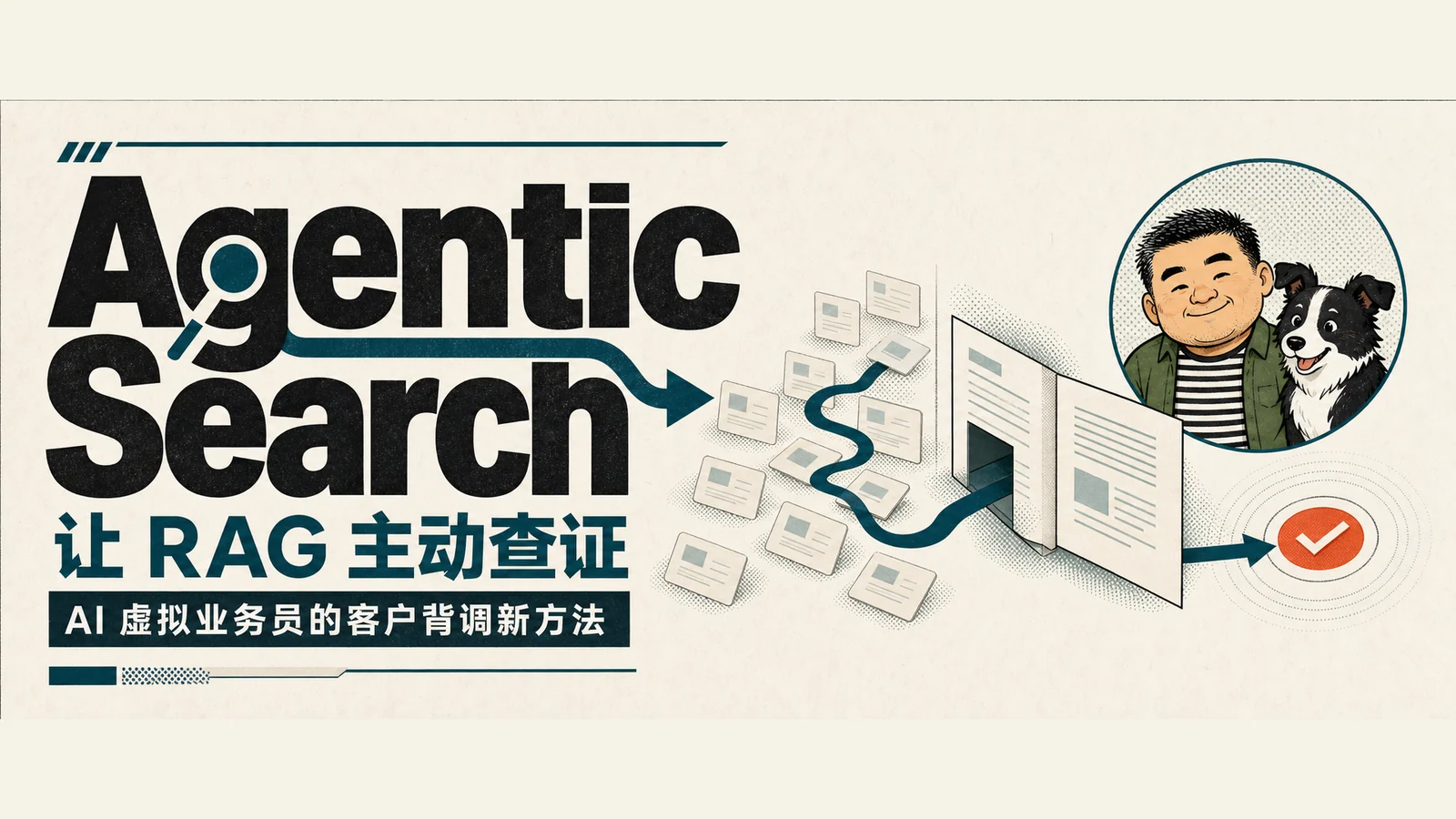
I compared Mistral's Agentic Search documentation with its launch material. The useful part is concrete: after a model receives its first retrieval results, it can keep looking.
That difference becomes obvious in overseas customer research. Suppose you need a company's parent entity, core products, and procurement contact. A search engine returns a set of links, and ordinary RAG selects a few passages for the model. If those first passages miss a critical source, the answer can sound complete while still circling around the gap.
Many sales-research questions require following clues. A PDF names a parent company, so the next step is to investigate that parent. A trade record uses an old company name, so the brand and legal entity need to be reconciled. A contact is described as a procurement manager, so the role should be checked against a company page or original document. One retrieval call rarely places all of that evidence in front of the model at once.
From manual search to one-shot RAG
Manual search depends on experience. A skilled salesperson changes keywords, opens long documents, and knows where to look after finding a company alias. It is also slow, hard to reproduce, and likely to produce different results when another person repeats it.
One-shot RAG accelerates the first half. The system retrieves the top-k chunks, the model reads them, and then it answers. That works well for direct lookups of known fields. Mistral's documentation similarly positions ordinary indexed retrieval for short documents, simple questions, and frequent direct queries.
Long reports, multiple sources, and numbers that require verification are harder. The answer may be inside a table, a footnote, or another document. The system can find the right file but miss the page containing the answer. Without tools to continue, the model has to stop with the fragments it already has.
Agentic Search adds a retrieval loop
Mistral describes Agentic Search as an orchestration layer above retrieval. Keyword, semantic, or hybrid search still sits underneath it. What changes is that the model gets tools it can call repeatedly.
The loop starts with search. The model selects a promising result, uses open to inspect surrounding context, and runs grep for exact terms inside the same document. It can move with navigate or read. When a new clue appears, the model rewrites the query and searches again with exclude_ids, preventing already-inspected chunks from cycling back.
The official retrieval interface exposes five tools: search, open, navigate, read, and grep. The MCP server also provides ingest and delete, making seven in total. In-document navigation depends on NavigableIndex and an index schema using IndexingMode.DOCUMENT_PER_CHUNK, so each chunk preserves its source position and can be traversed in order.
Applied to customer research, the sequence is easy to picture. The system searches for the company and its products, opens an annual report or catalogue, looks for terms such as supplier and procurement, and reads the nearby sections for department and regional context. If it discovers a parent company or former brand, it launches another query while excluding material it has already read. The final result should preserve source locations so a salesperson can return to the evidence.
This does not magically improve the recall of the underlying retrieval algorithm. It gives the model a chance to gather missing material and turns the keyword changes, document navigation, and clue-following of manual research into executable steps.
Agentic Search continues from the first fragments to the original evidence; generated for this article
Why more steps can still cost less
More tool calls usually increase cost. Good navigation can offset that increase by replacing repeated broad searches. Once the model has found the right document, it can navigate inside it rather than query the whole corpus again and again.
Mistral published its own benchmark results in August 2026. The FinanceBench portion used 368 SEC filings and 150 questions with default chunking and ranking and no dataset-specific tuning. In Mistral's report, GLM-5.2 improved from 26.7% with one-shot RAG to 86% with the full Agentic Search loop. After navigation was added, the two tested models used 23.9% and 33.7% fewer tokens than the search-only loop, while p90 latency fell from 255 seconds to 154 seconds.
OfficeQA Pro was harder: 696 scanned Treasury Bulletins and 133 questions. Mistral reported that GLM-5.2 accuracy rose from 6.3% to 51.9%.
These numbers show that navigation tools have potential in long-document work. They do not prove that Agentic Search wins in every business setting. The results come from Mistral's own launch material and depend on the models, index, question sets, and scoring method. A corpus made of export websites, customs records, and internal CRM data still needs its own evaluation.
Inside an AI virtual salesperson
The most time-consuming part of an AI virtual salesperson often happens before the first email is sent. It has to decide whether a company fits, identify the buying role, and judge whether a trade record supports the current inference. Agentic Search suits this stage because the material is scattered, questions change as evidence appears, and the final answer must remain traceable to its source.
A practical implementation can start small. Select 30 customer-research questions and run each through the current RAG system and an Agentic Search loop. Record whether the answer is supported by a source, measure latency and token use, and identify which questions needed a second retrieval. Keep simple RAG where the first results are normally sufficient. Add a retrieval loop where missing evidence and repeated chunks are common.
Information gathering will increasingly suit AI. Human attention can move toward judgment and decisions: which accounts deserve follow-up, which evidence is credible, and when further investigation should stop. The point of Agentic Search is to make the AI do a few more steps of homework before handing the material to a person.